
- Experts in Managing Archives
- Corporate Document and Records Management Solution Providers
- Managing the UK’s “Information Assets”
- Bespoke Turnkey Digital Agency
- Industrial Scanning Bureau
CELEBRATING 30 YEARS - SCANNING SOLUTIONS AND IT DOCUMENT MANAGEMENT SYSTEMS SINCE 1994
Our Specialities
There is no one-size-fits-all digital document management software (DMS) solution. This is why the SDS Group comprises a number of speciality companies, each focused on delivering scanning and DMS solutions tailored to meet the requirements of specific industries...
View all
Heritage
Archiving of fragile books, maps, manuscripts, photographs, journals, and other historical and precious artefacts

School Member Association Testimonials
The SDS Group is the only IT & Information Management Company that provides systems and solutions for both the School Governing Bodies, Associations and Institutes and their member schools (SDS also works directly with over 500 UK independent schools).

School Records
Experts in secure digital archiving of schools heritage archives and entire schools administration business records

City of London & Livery
Bespoke Document Management systems for Livery Companies and the City of London

Property and Estates
Managing documents and information for properties, estates, construction, legal and facilities (EDM Solutions)

Asbuilt O&Ms
Complete Operations and Maintenance (O&M) Building Manuals for the Construction Industry

Legal Systems
Document management and high speed scanning services for legal departments, law firms and local authorities

Human Resources & Personnel
A cost-effective method of storing personnel files to enable secure and instant access to your otherwise cumbersome records

Facilities Management
Get improved productivity, reduce real estate cost and better business continuity in case of disaster with fully-digitised building documentation

Bluebook – Discover Series
Bluebook – Discover Series (Public Inquires, Royal Commissions)
Archive Manager Suite
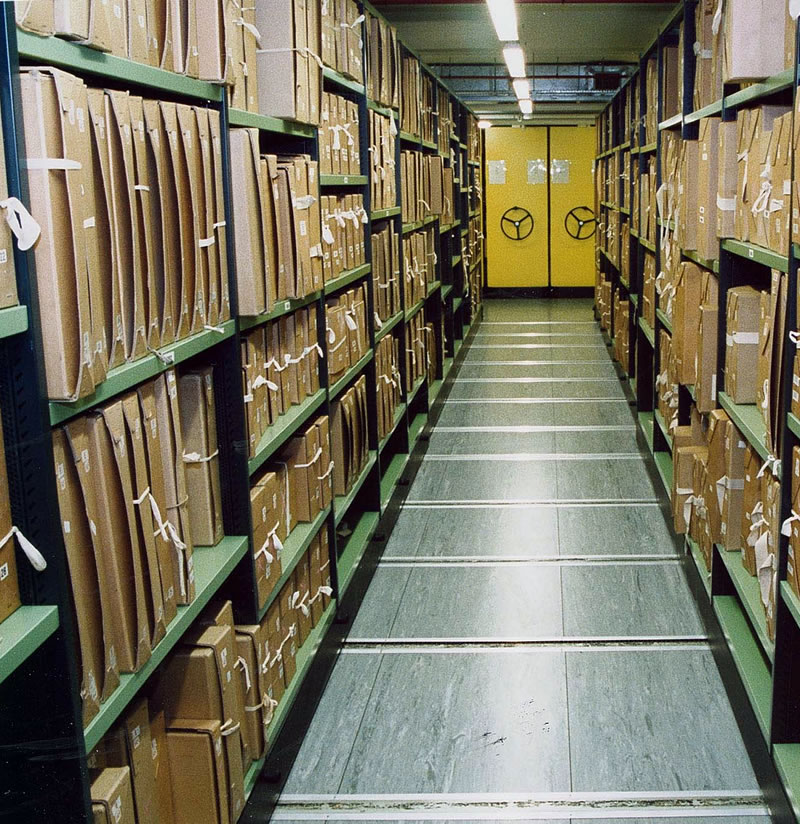
The Archive Manager suite of software is one of our archival documentation and management solutions
Our Companies
The SDS Group is a specialist document scanning bureau, offering comprehensive scanning services (both bulk and specialised), and bespoke document management software...



Our Services
We have a wide range of IT services all centred around the scanning of rare, precious and confidential document archives with bespoke search and retrieval database solutions

Document Management
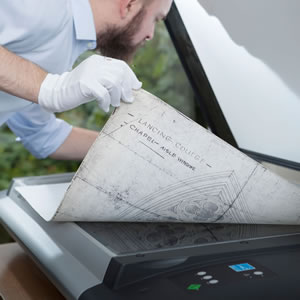
SDS Group bespoke turnkey solutions for digital document management, archiving, and retrieval
Read more
Bespoke Turnkey Solutions
SDS Group bespoke turnkey solutions for digital document management, archiving, and retrieval
Read more
Our Clients
Over the past twenty five years, the SDS Group has scanned, digitally archived, and provided bespoke document management solutions for businesses and organisations, both large and small. We proudly include amongst the hundreds of satisfied clients, many FTSE100 and other publicly listed companies,...
View all